


The Reality of Modern Video Editing
Editing a 45-minute podcast episode used to drain my entire weekend. I would stare at colorful audio waveforms until my eyes physically hurt. Clicking through tiny timeline gaps just felt like manual labor. My video production shifted entirely when I started testing different editing workflows to save my sanity.
Handling two hours of raw interview footage exposes the reality of content creation. You sit down with a coffee, import the massive files, and realize your guest said "um" about four hundred times. Traditional timeline editing forces you to watch the video in real-time just to find mistakes. You zoom in on the timeline. You make a blade cut. You ripple delete. You do this hundreds of times. This repetitive workflow burns out even the most enthusiastic creators.
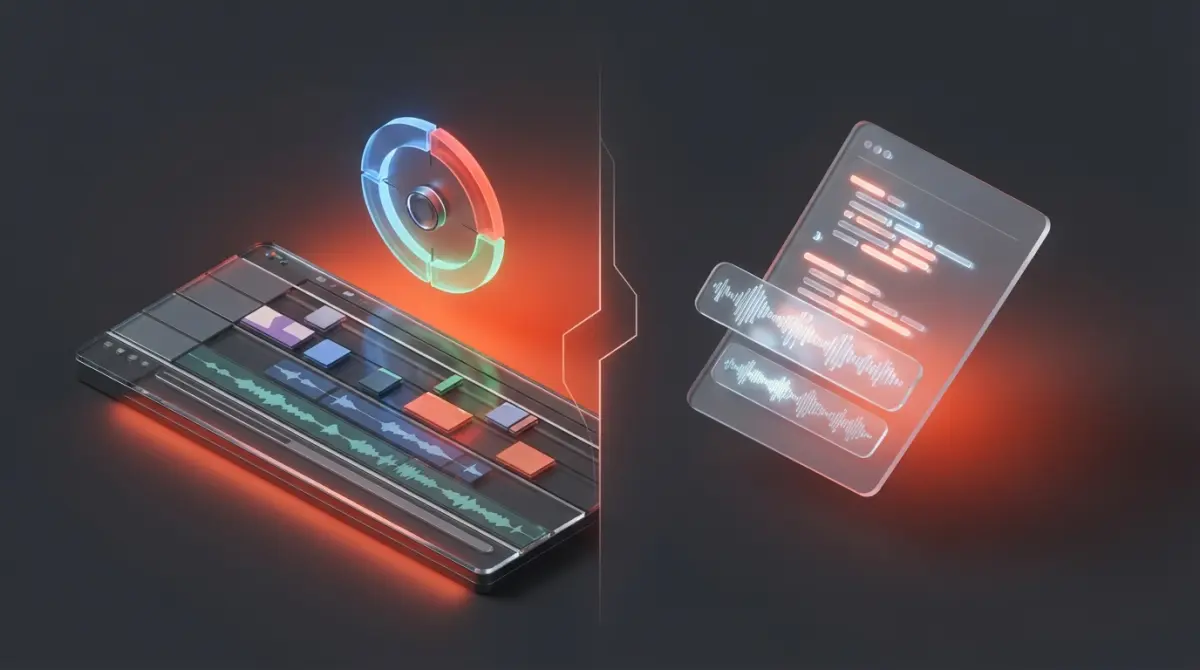
Choosing between DaVinci Resolve Free vs Descript Paid forces you to examine how you value your time. The free version of DaVinci gives you Hollywood-grade color science and advanced node-based compositing completely free of charge. You get unlimited tracks and professional audio mastering tools. Blackmagic Design essentially gives away a studio-level application to sell hardware.
Descript approaches the problem from a totally different angle. The paid version acts less like a video editor and more like a word processor. You throw the footage in, and it generates a transcript. You delete a sentence in the text, and the video magically cuts itself. Paying a monthly subscription for a tool might seem annoying when powerful free alternatives exist. Your final decision depends entirely on whether you edit narrative films or dialogue-heavy social media content. The right software prevents you from abandoning your YouTube channel after three grueling uploads.
Core Differences in Editing Philosophy
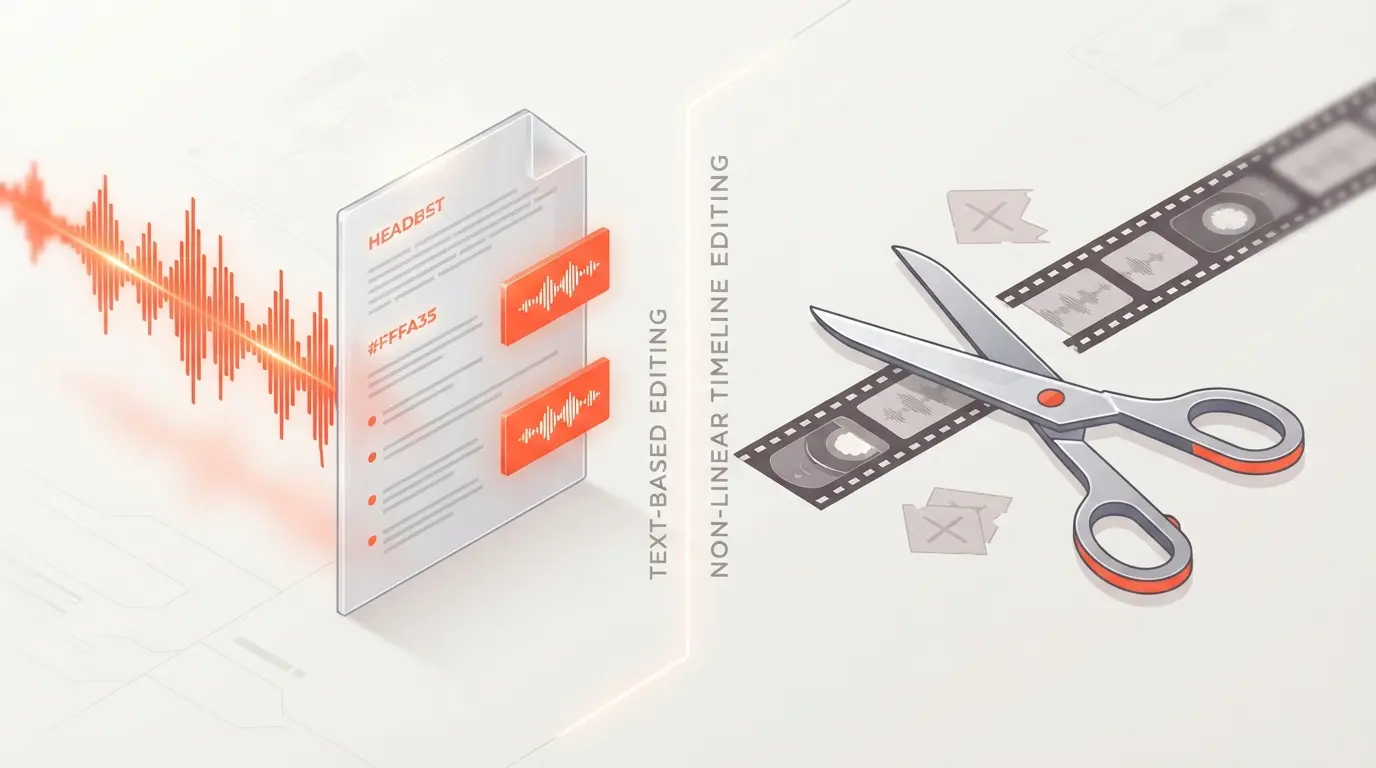
How does a text-based workflow actually change production time? Traditional editors require spatial thinking on a timeline. DaVinci Resolve Free demands that you understand track layers, frame rates, and render caches. You are constantly managing the physical space of your media clips.
Descript Paid flips this entirely by making text the primary interface. You highlight a paragraph and press backspace. The software handles the underlying video splices instantly. This text-centric approach saves massive amounts of time during rough cuts. You can skim a transcript much faster than you can watch a video at normal speed. When comparing modern AI video editors, this paradigm shift represents the biggest jump in productivity since the invention of non-linear editing.
Handling Multi-Track Complexities
DaVinci Resolve Free shines when your project involves multiple camera angles and separate audio recorders. The software easily syncs everything using audio waveforms before you even start cutting. You can stack dozens of video layers, add adjustment clips, and apply complex masking without the software struggling. The timeline is built for dense, heavy projects.
Descript struggles with heavily layered timelines. Its multi-track support exists but feels clunky compared to a dedicated non-linear editor. You will find yourself fighting the interface if you try to composite multiple graphical elements or sync complex b-roll sequences. If you want to dive deeper into text-based alternatives, checking out other Descript alternatives might give you a broader perspective on handling multi-cam shoots.
When to Rely on DaVinci Resolve Free
Your workflow might demand tools that web-based or lightweight applications simply cannot handle. DaVinci Resolve Free provides the legendary Fusion page for motion graphics and visual effects. You can build complex title animations using a node-based interface. You are not relying on pre-built templates that look exactly like everyone else's videos.
The Fairlight audio page within DaVinci offers a complete digital audio workstation. You can apply heavy compression, equalization, and noise gates to individual tracks or entire buses. Most free tools restrict these advanced audio routing capabilities. For creators building highly polished short films, these granular controls are non-negotiable.
- Advanced Node Grading: Connect different color adjustments sequentially without destroying the original image data.
- Dynamic Zoom and Tracking: Select an object and let the software track its movement across the screen automatically.
- Hardware Flexibility: Render out final videos in a massive variety of professional codecs depending on your delivery requirements.
DIY Color Grading on a Budget
DaVinci is famous for its color wheels and curves. You do not need to pay for the Studio version to access the primary and secondary color correction tools. You can qualify specific skin tones, track windows across moving subjects, and apply custom LUTs. This level of color manipulation simply does not exist in text-first platforms.
Where Descript Paid Justifies the Cost
Paying for software hurts when so many free options exist. Descript Paid earns its subscription fee through aggressive AI integration. The Studio Sound feature removes background noise and echo with a single toggle. It makes a cheap microphone sound like it was recorded in a treated vocal booth. When comparing options like Descript vs Riverside, audio enhancement often becomes the deciding factor.
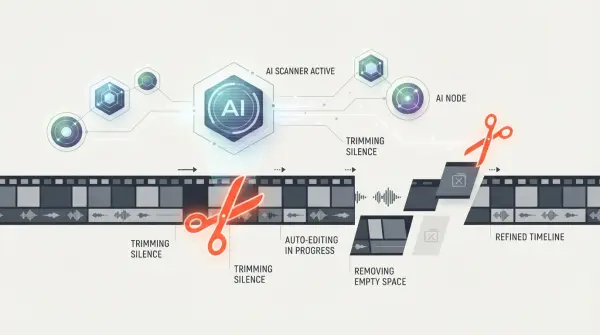
The automatic filler word removal is perhaps the biggest selling point. You click one button, and the software highlights every "um," "uh," and repeated word. You can delete them all simultaneously. Doing this manually in a traditional editor takes hours of tedious cutting. The paid tier unlocks unlimited transcription hours, making it perfect for daily podcasters.
Fixing Mistakes with Overdub
Descript Paid includes a voice cloning feature called Overdub. You can train the AI on your voice. If you misspoke a word during recording, you simply type the correct word into the transcript. The software generates synthetic audio that sounds exactly like you and inserts it into the video. This eliminates the need for annoying ADR recording sessions. If you are researching the best AI tools for podcast editing, this specific feature usually ranks at the top.
Another massive benefit is the automatic scene creation. You can type a forward slash in your script, and Descript creates a new visual scene. You can drag and drop stock footage from their premium library directly into these scenes. The paid subscription gives you unrestricted access to high-quality stock videos and music.
Feature Breakdown
Understanding the specific technical limits helps clarify the choice. Let's compare exactly what you get when pitting DaVinci Resolve Free vs Descript Paid against each other.
| Feature | DaVinci Resolve Free | Descript Paid |
|---|---|---|
| Editing Interface | Traditional Timeline | Text Document Based |
| Color Grading | Industry Standard (Nodes) | Very Basic Filters |
| Audio Cleanup | Manual EQ / Fairlight | 1-Click AI Studio Sound |
| Filler Word Removal | Manual Cutting | Automated (1-Click) |
| Cost | $0 Forever | Monthly Subscription |
Choosing Your Path
Which system fits your current production schedule? Reviewing your specific hardware and content style usually makes the decision obvious.
- ✅ You have a powerful dedicated graphics card. (Leans toward DaVinci)
- ✅ Your content is mostly talking heads or podcasts. (Leans toward Descript)
- ✅ You require complex color grading for cinematic footage. (Leans toward DaVinci)
- ✅ You want to collaborate with writers using a text document format. (Leans toward Descript)
- ✅ Your budget is absolutely zero and you want no watermarks. (Leans toward DaVinci)
Myth: Free software always lacks professional features.
Reality: DaVinci Resolve Free is used to edit major feature films and television shows. The paid Studio version mostly just adds hardware acceleration for specific codecs, AI noise reduction, and advanced masking tools.
Myth: Descript fully replaces a traditional timeline editor.
Reality: Descript is incredible for rough cuts and dialogue editing. You will often still need a traditional editor for fine-tuning pacing, adding complex sound design, and applying precise color correction before publishing to your main channels.
Frequently Asked Questions
Does the free version of DaVinci Resolve add watermarks to my exports?
No, the standard free version of DaVinci Resolve does not add watermarks to your standard exports. It is a fully functional, professional-grade non-linear editor. Watermarks only appear if you apply specific premium "Studio-only" effects (like advanced noise reduction or optical flow features) without purchasing the paid license.
Which software is better for absolute beginners in video editing?
Descript is significantly more beginner-friendly. If you know how to edit a Word document, you can edit a video in Descript. You simply delete text from the auto-generated transcript, and the software automatically cuts the underlying video. DaVinci Resolve has a massive learning curve due to its professional node-based color grading and complex interface.
Is Descript's AI voice cloning worth the paid subscription?
For podcast hosts and faceless channel creators, Descript's "Overdub" feature alone justifies the premium subscription. It allows you to fix recording mistakes simply by typing new words into the transcript, generating realistic audio in your exact voice without needing to re-record in the studio.
Which tool handles professional color grading better?
DaVinci Resolve is the undisputed king of color grading. It is the exact same software used by Hollywood studios to color-grade blockbuster films. Descript only offers very basic color filters and lighting adjustments, making it unsuitable for highly cinematic visual projects.
Can I edit long-form podcasts efficiently with both tools?
While you can edit podcasts in DaVinci Resolve using its powerful Fairlight audio engine, Descript is vastly superior for speed. Descript automatically removes filler words ("ums" and "ahs") and silences with a single click across a two-hour podcast, a process that would take hours of tedious manual cutting in DaVinci.
Can I use both DaVinci Resolve and Descript in a hybrid workflow?
Absolutely, and this is highly recommended for professionals. Many creators import their raw footage into Descript to perform a rapid "paper edit" by cutting text and removing silences. They then export that rough-cut timeline via an XML file directly into DaVinci Resolve for final color grading, visual effects, and professional audio mixing.



Comments (0)
No comments yet. Be the first!
Leave a Comment