

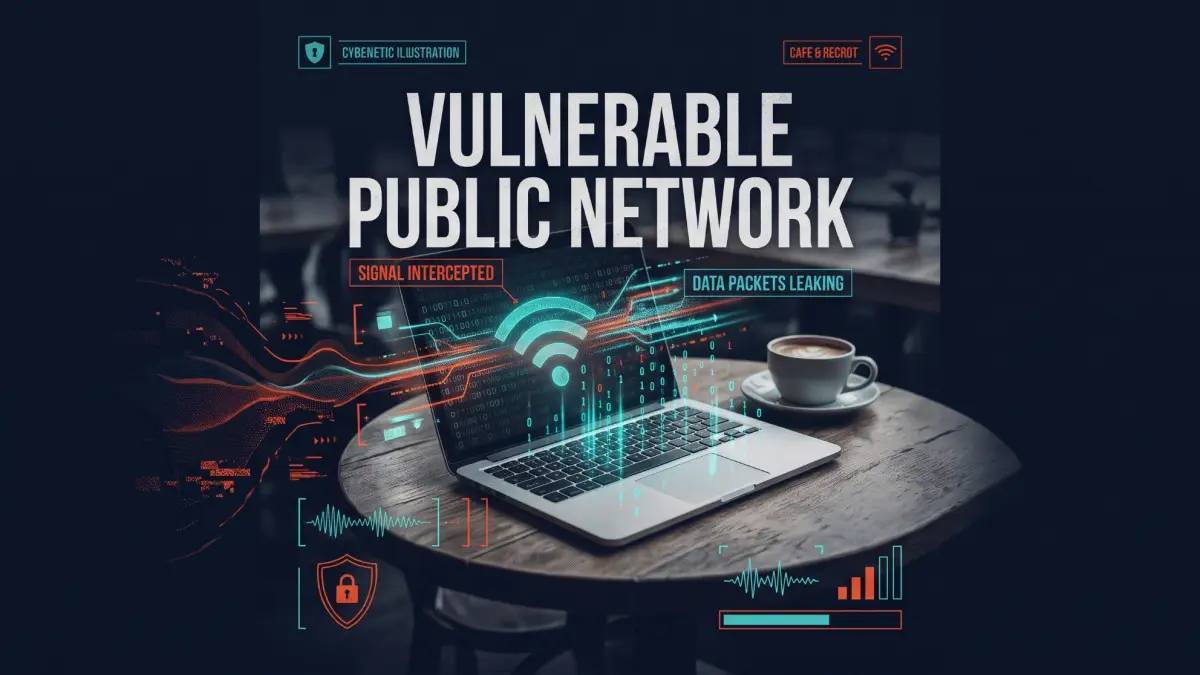

The question seems simple, but the reality of cybersecurity has changed drastically over the last decade. If you want to know whether you need a VPN on public Wi-Fi to stop hackers from stealing your bank password, the modern answer is more nuanced than a simple "yes" or "no."
Many outdated security blogs will tell you that logging into a hotel network is an immediate death sentence for your personal data. That is no longer entirely accurate. However, just because your passwords are safe does not mean your privacy is intact.
Quick Answer
Do you need a VPN on public Wi-Fi? Yes, but not for the reasons you might think. Modern HTTPS encryption already stops hackers from seeing your passwords or credit card numbers. However, without a VPN, the network owner can still see exactly which websites you visit. A VPN encrypts your entire internet traffic, protecting you from rogue hotspots, metadata tracking, and privacy invasions at hotels or coffee shops.
Key Takeaways
- HTTPS secures your passwords, making basic web browsing relatively safe.
- A VPN hides your DNS requests, stopping network owners from seeing your browsing history.
- Evil twin attacks trick you into joining fake Wi-Fi networks controlled by hackers.
- Using a VPN provides an unbreakable tunnel that protects your data entirely.
Key Details
| Concept | Public Network Security |
|---|---|
| Primary Threat | Rogue hotspots and unencrypted metadata tracking |
| Vulnerable Locations | Coffee shops, airports, hotels, and libraries |
| Best Defense | A premium Virtual Private Network (VPN) |
| Average Cost of VPN | $3 to $12 per month (at the time of writing) |
| Setup Time | Under 2 minutes to install and connect |
The HTTPS Reality: Why You Are Safer Than You Were in 2015
Ten years ago, a large portion of the internet operated on HTTP. If you typed your password into a website while connected to an airport network, anyone running basic packet-sniffing software nearby could read that password in plain text.
Today, nearly 99% of web traffic uses HTTPS (Hypertext Transfer Protocol Secure). You can verify this by looking for the small padlock icon next to the URL in your browser. When you visit an HTTPS website, your browser encrypts the data before it leaves your device.
If a hacker intercepts your data on a public network, they will only see a scrambled mess of alphanumeric characters. They cannot read your passwords, your messages, or your banking details. Because of this, you might assume you do not need to any further.
However, HTTPS has a blind spot.
The Real Threat: "Evil Twins" and Rogue Hotspots
While HTTPS hides what you do on a website, it does not hide the fact that you visited that website. This is where public Wi-Fi security risks become serious.
The router you connect to can see your DNS requests. This means the person managing the coffee shop Wi-Fi knows you visited your specific bank, a medical website, or a dating app—even if they cannot see the exact pages you clicked on once you got there.
The danger escalates with "Evil Twin" attacks. A hacker can easily buy a cheap router, sit in a Starbucks, and broadcast a network named "Starbucks_Guest_Free."
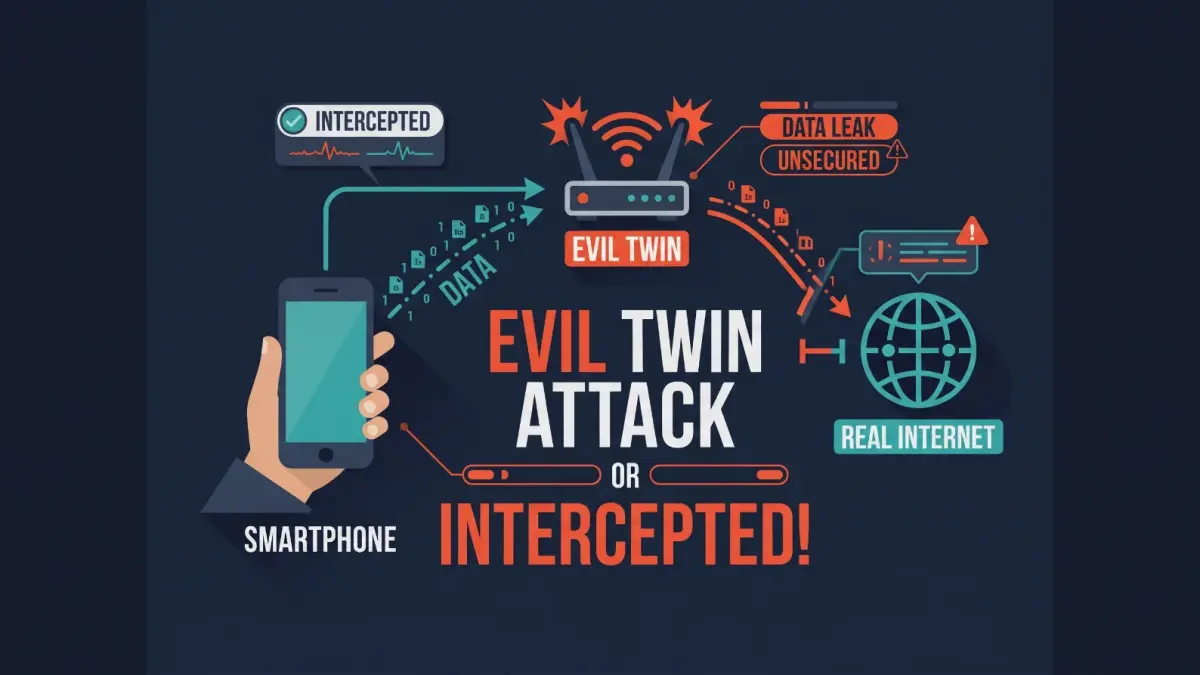
When you accidentally connect to their fake network instead of the real one, they control your connection. They can redirect you to a fake version of your bank's website. If you type your credentials into their fake site, they capture everything. This is one of the most common happening today.
What Exactly Does a VPN Protect on a Public Network?
When you turn on a Virtual Private Network, it creates a secure, encrypted tunnel between your device and a server controlled by the VPN provider.
Instead of your device talking directly to the coffee shop router, it sends all your data through this unbreakable tunnel.
Here is what changes:
- The network owner (or a hacker running an Evil Twin) can no longer see your DNS requests. All they see is an encrypted stream of data going to a single, random IP address.
- Your physical location is masked, as you are from the local network.
- Even if the local network tries to redirect your browser to a fake website, the VPN tunnel prevents local network tampering.
When You Should Absolutely Turn Your VPN On
If you are just reading a public news article, using a bare connection is fine. But you should always flip your VPN switch in specific scenarios.
When to Connect Your VPN
- When checking your online banking or making a financial transaction.
- When you are traveling abroad and using unfamiliar hotel Wi-Fi.
- When accessing sensitive corporate servers or work emails.
- When the public network does not require a password to join.
The Final Verdict
You are not going to be instantly hacked just by connecting your phone to a public network. Thanks to modern web encryption, the internet is safer by default.
However, if you care about your privacy, hate the idea of strangers seeing your browsing habits, and want to eliminate the threat of rogue hotspots, a VPN remains an essential tool. For the cost of a cup of coffee per month, flipping a switch to encrypt your entire connection is a small price to pay for absolute peace of mind.
Frequently Asked Questions
Is public Wi-Fi safe for banking without a VPN?
Can someone hack my phone through public Wi-Fi?
Is HTTPS enough to protect my data?
How We Researched This & Why Trust Us: We reviewed standard internet security data regarding HTTPS encryption alongside cybersecurity principles of SSID spoofing and Evil Twin attacks to evaluate the true modern risk of public Wi-Fi usage.
Comments (0)
No comments yet. Be the first!
Leave a Comment