
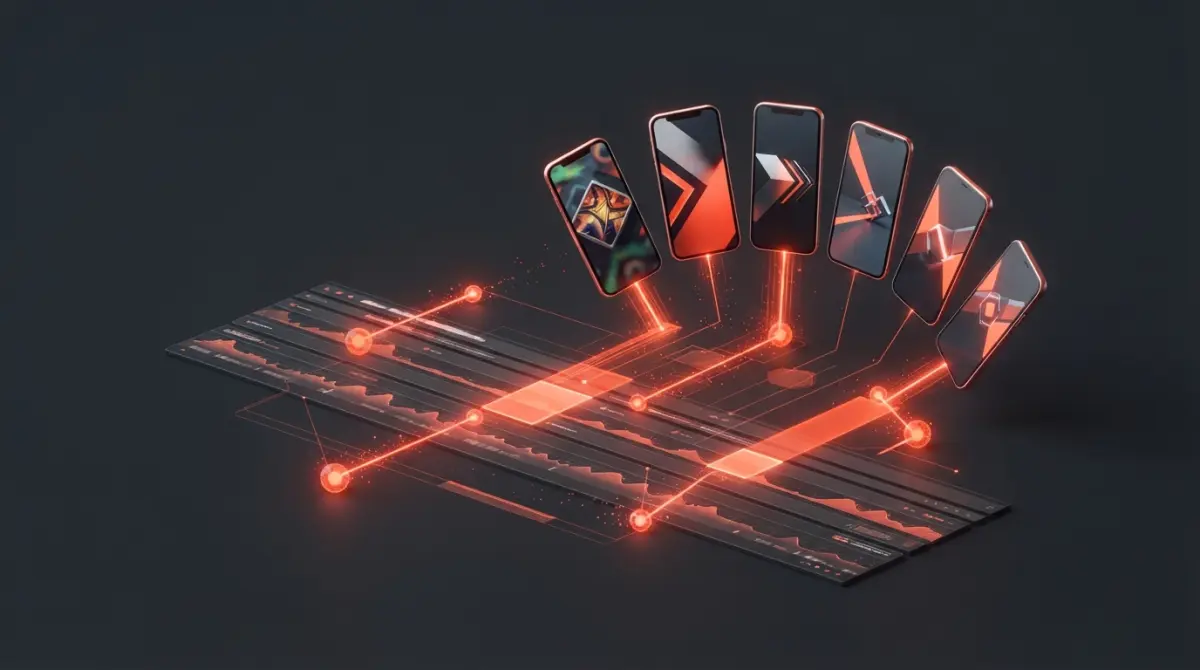
Live streaming on platforms like Twitch, YouTube Live, and Kick is an incredible way to build a highly engaged community. However, growing a channel purely through live broadcasting is notoriously difficult in 2026. To pull in new viewers, you need to repurpose your streams into short-form content for TikTok, Instagram Reels, and YouTube Shorts.
The problem? Scrubbing through a 4-hour VOD (Video on Demand) to find a 30-second highlight is an exhausting, time-consuming process. Fortunately, Artificial Intelligence has completely solved this issue. In this guide, we rank the best AI tools for live stream editing and highlight clipping that automatically detect your best moments and format them for viral success.
Why Streamers Must Use AI Clippers in 2026
Manually clipping streams is no longer a viable strategy if you want to scale your content output. Here is why top creators are leaning entirely into AI software:
- Automated Highlight Detection: Modern AI uses computer vision and audio analysis to detect when you scream, laugh, or execute a high-skill play in a game.
- Instant Reformatting: AI instantly shifts horizontal 16:9 stream footage into vertical 9:16 mobile formats, perfectly centering your facecam and gameplay simultaneously.
- Dynamic Auto-Captions: It applies highly engaging, kinetic text captions to spoken words, drastically increasing viewer retention on mobile platforms.
1. Eklipse.gg (The Ultimate Choice for Gamers)
If your primary content involves playing video games, Eklipse.gg is the undisputed champion of stream clipping. It is specifically trained on massive datasets of popular games like Call of Duty, Valorant, Apex Legends, and Fortnite.
Key Features:
- In-Game Event Detection: The AI literally watches your gameplay. It knows when you get a multi-kill, clutch a round, or win a match, and clips it automatically.
- Voice Command Clipping: You can simply say "Eklipse, clip that" during your stream, and the AI will bookmark the moment for you to review later.
- Facecam Separation: It intelligently crops out your webcam box and places it cleanly above your gameplay for a perfect TikTok layout.

2. OpusClip (Best for 'Just Chatting' & Podcasts)
If your live streams are conversational—such as IRL streams, reaction content, or live podcasts—OpusClip is the best tool for the job. Instead of looking for gaming kills, OpusClip analyzes the context of your speech.
Key Features:
- Conversational Hook Detection: The AI finds moments where you make a controversial statement, tell a funny story, or explain a deep concept, turning them into standalone viral clips.
- Active Speaker Tracking: If you have multiple guests on your live stream, the AI will automatically track and center whoever is currently talking.
- Virality Scoring: Every clip is assigned a score from 1 to 100 predicting how likely it is to go viral based on social media trends.
3. Nexus Clips (The Hands-Free Automation Hub)
Nexus Clips is designed for streamers who want a completely hands-off approach. It operates as a background automation engine that bridges the gap between your Twitch channel and your social media accounts.
Key Features:
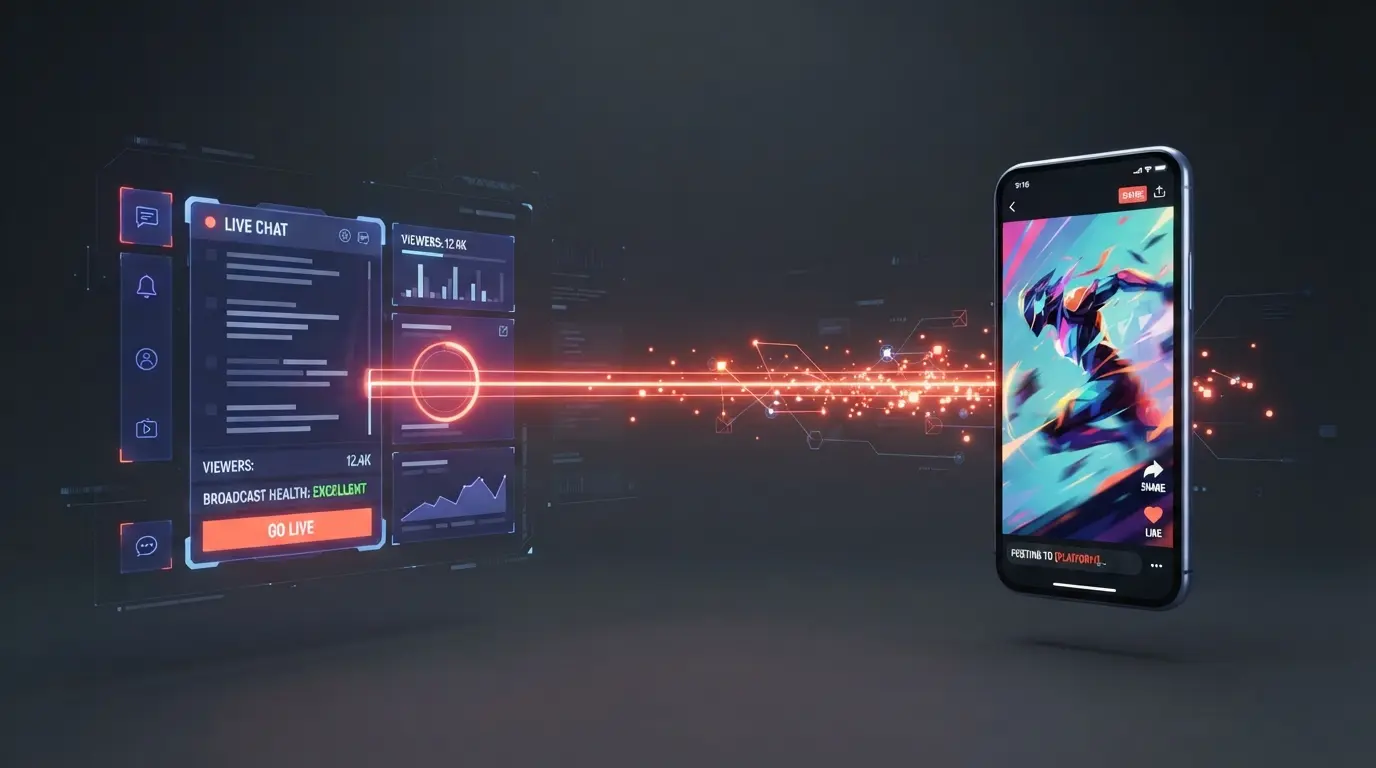
- Twitch Integration: It connects directly to your Twitch API. Whenever a viewer types "OMEGALUL", "LMAO", or "CLIP" in your chat, the AI registers a spike in engagement and automatically generates a clip.
- Direct Publishing: Nexus can be configured to automatically edit, caption, and post the generated clip straight to your TikTok or YouTube channel while you are still live.
4. Vizard.ai (Best for Webinars & Professional Streams)
Not all live streams are for gaming. If you run LinkedIn Live events, educational webinars, or professional corporate broadcasts, Vizard.ai offers a much cleaner, corporate-friendly clipping aesthetic.
Key Features:
- Professional Layouts: It avoids the chaotic, heavily emoji-laden gaming styles in favor of sleek, professional split-screens and lower-thirds.
- Text-Based Editing: Vizard generates a full transcript of your live stream, allowing you to manually pull highlight clips simply by highlighting text paragraphs.
Conclusion: Which Tool Should You Choose?
Your choice of AI clipper depends entirely on your content niche. If you are a gamer, you must use Eklipse.gg—its computer vision is unmatched for tracking in-game events. If you are a podcaster or reaction streamer, OpusClip will find your best conversational hooks.
For those who want zero manual labor and instant social media growth while they are actively live, setting up a Nexus Clips automation pipeline is the smartest move you can make in 2026.
Frequently Asked Questions
Do I need a powerful PC to use these AI clippers?
No. Almost all AI clipping tools (like OpusClip and Eklipse) are entirely cloud-based. You simply paste your Twitch VOD or YouTube Live URL into their website browser, and their remote servers handle all the heavy video processing and rendering.
How does the AI know what parts of the stream are actually funny?
The AI analyzes multiple layers of data simultaneously. It checks the audio waveform for sudden spikes in volume (laughing or screaming), analyzes the transcript for punchlines or controversial statements, and can even link directly to your Twitch chat to see when viewers are spamming emotes.
Will using an AI clipper drain my internet bandwidth while streaming?
No, because the AI tools connect directly to the Twitch or YouTube servers via API. They download the VOD directly from the platform's servers, meaning it uses absolutely zero of your local home internet bandwidth.
Can I manually adjust a clip if the AI cuts it too early?
Yes. Every major AI clipping tool provides a browser-based timeline editor. If the AI misses the context by a few seconds, you can easily drag the trim handles to extend the video before exporting it to TikTok or Shorts.
Comments (0)
No comments yet. Be the first!
Leave a Comment