
The latest ChatGPT updates introduce the GPT-6 model fleet—Astra, Sol, and Luna—along with deep desktop integration through a feature called Computer History. Instead of just answering text prompts, the platform now acts as an agentic workspace that can autonomously navigate interfaces, trigger workflows from Slack or Gmail, and partition memory across different projects. Having the ChatGPT latest updates explained helps you adjust your workflow before the older GPT-5.5 models retire entirely.
- Who Gets It: Pro, Business, and Enterprise users get immediate access to Computer History and advanced Webhooks.
- Model Changes: GPT-6 Sol and Luna replace GPT-5.6 in Codex and ChatGPT Work.
- Platform Limits: Computer History is currently limited to the macOS desktop app, while Webhooks work across web, iOS, and Android.
The Context Collapse Problem
Working with AI historically requires heavy manual labor just to set the stage. A professional analyzing a competitor, drafting a client email, and reviewing a spreadsheet must manually upload files, paste URLs, and write long system prompts into a single chat window. The moment that user switches to a different task, the AI still carries the previous conversation's bias unless they start a completely blank session.
This constant back-and-forth leads to context collapse. You spend more time feeding the system background information than you do actually working on the output. If you leave a task unfinished on a Friday, returning on Monday means reminding the AI exactly where you left off. The system lacks passive awareness of what you do outside its direct chat box. The newest rollout shifts this burden, allowing the system to observe your working environment directly and compartmentalize different tasks into walled-off memory banks.
The New GPT-6 Fleet: Sol, Luna, and Astra
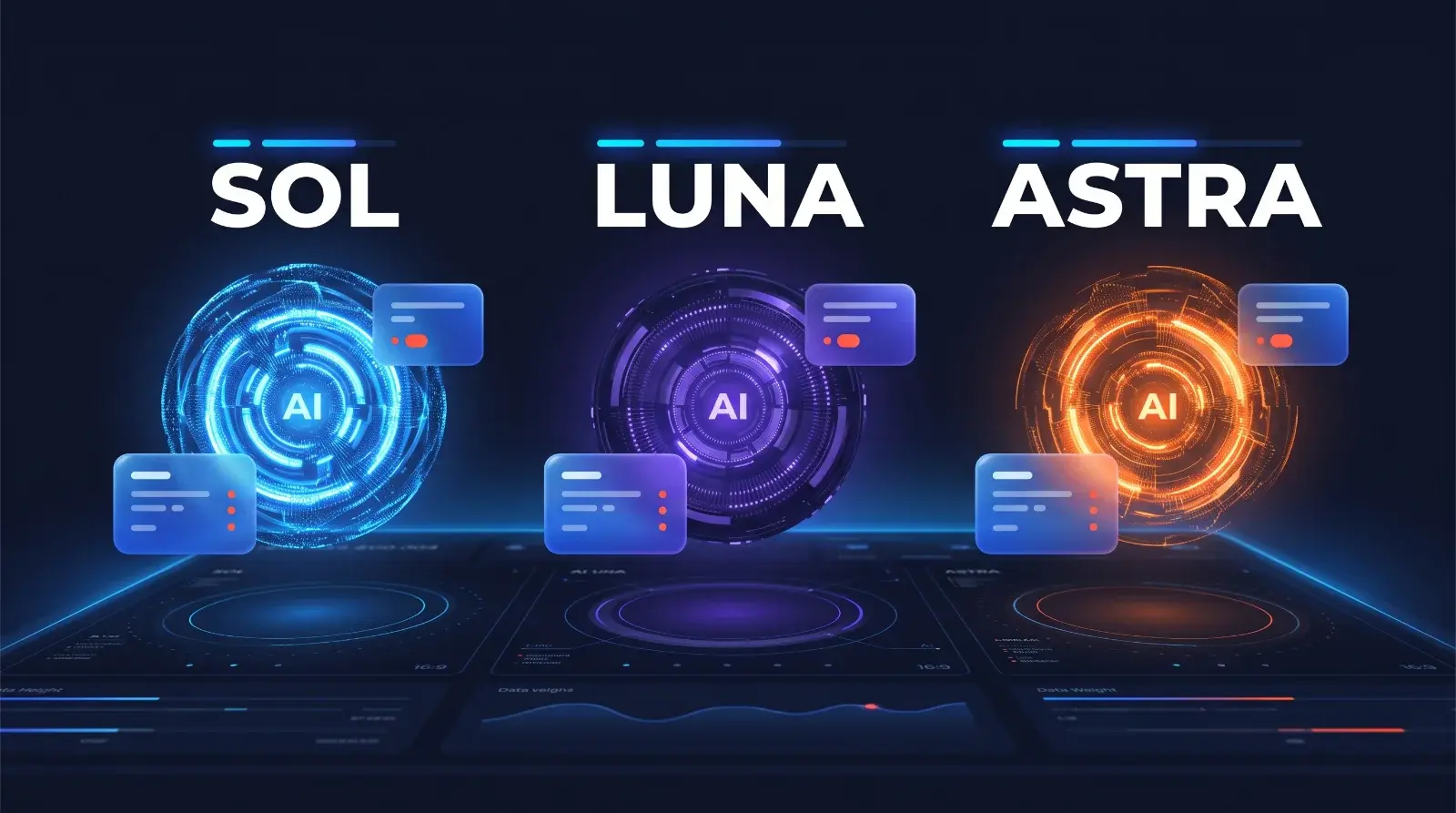
The transition away from the GPT-5 series brings three highly specialized intelligence tiers. According to the official ChatGPT Learn release notes, the GPT-6 models are designed to handle specific types of workloads rather than acting as a one-size-fits-all solution.
Astra serves as the flagship agentic model. It combines advanced reasoning with actual computer use, meaning it can carry out a workflow across different applications and produce a formatted document or spreadsheet entirely on its own. Sol is positioned as the heavy-duty coding and complex reasoning engine. Luna is the lightweight, fast-response model built for repeatable tasks that require lower token costs.
Model Capability Comparison
| Model | Primary Focus | Best Used For |
|---|---|---|
| GPT-6 Astra | Agentic computer use | Autonomous research, cross-app workflows, checking its own work |
| GPT-6 Sol | Complex logic | Deep software development, intricate math, single-shot heavy data processing |
| GPT-6 Luna | Speed and efficiency | Routine text generation, rapid autocomplete, high-throughput tasks |
Pricing based on official pages at the time of writing — check each site for current plans.
If you are a developer handling massive codebases, Sol will process the logic without hallucinating syntax errors. If you need a daily summary of meeting notes, Luna will do the job instantly without burning through your premium token allowance.
How Computer History Ends the Copy-Paste Era
Computer History is arguably the most fundamental shift in how humans interact with the assistant. Available to Pro users on the macOS desktop app, this opt-in feature allows ChatGPT to record selected activity from the applications and websites you choose.
Instead of pasting an article into the chat, you simply read it in your browser. Later in the day, you can ask the assistant to summarize the specific client research you were looking at during the afternoon. The AI references its stored timeline of your screen activity to build the context automatically. Per the OpenAI Help Center, this feature operates under strict user control. It does not blindly record your entire operating system. You actively select which specific browsers or apps it is allowed to monitor, and you can pause the recording at any moment.
Safe Setup Checklist for Computer History:
- ✅ Leave the feature turned off by default until you start a focused research session.
- ✅ Whitelist only your primary work browser and document editor.
- ✅ Never whitelist communication apps like WhatsApp or secure password managers.
- ✅ Manually delete the stored timeline at the end of the week to prevent noise buildup.
Project Memory Architecture: Keeping Contexts Isolated
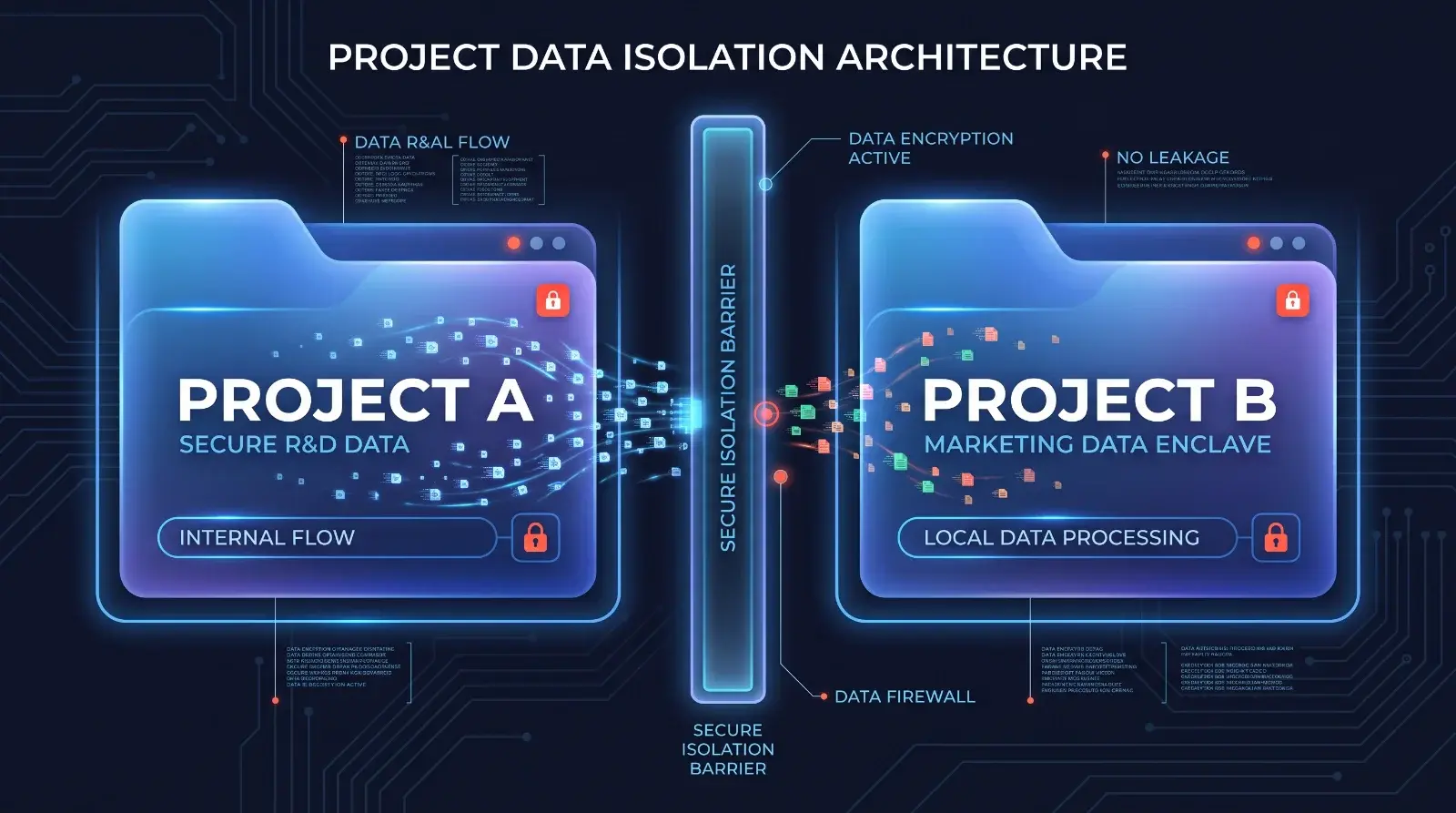
A common frustration for freelancers and consultants is memory cross-contamination. If the AI learns that you prefer a casual writing style for your personal blog, it might accidentally apply that tone to a formal legal document for a corporate client.
The introduction of Projects fixes this by creating self-contained workspaces. A breakdown by Suprmind AI explains that Project Memory is strictly partitioned. Facts and preferences the model learns inside "Project A" do not bleed into the main chat or leak into "Project B." Each workspace has its own system instruction set and file repository.
For users on Pro, Business, or Enterprise tiers, a single Project can hold up to 40 uploaded files. These files have a massive 2 million token cap each, meaning you can drop entire textbooks, 50MB spreadsheets, or detailed codebase repositories into a single slot. The AI indexes this data specifically for that client's workspace.
Webhook Automation: Triggering AI from Slack and Gmail
The platform is moving beyond passive responses into active background tasks through Webhook-triggered actions. Users no longer have to copy an email into ChatGPT to ask for a draft reply.
You can now authenticate directly through supported external services like GitLab, HubSpot, Notion, and Airtable. Plus and Pro users can configure the AI to monitor specific channels. For example, you can authorize it to watch a designated Slack channel for client feedback. When a new message arrives, the system automatically reads it, drafts a proposed list of next steps, and waits for your approval. Actions that require approval pause entirely until a human reviews them, preventing the AI from sending unauthorized emails.
This integration reduces the friction of moving between tabs. If your planning documents live in Notion but your communication happens in Gmail, the assistant acts as the bridge, formatting and summarizing the data where it naturally lives.
Where These Updates Fall Short
While the agentic capabilities are impressive, the ecosystem still has glaring limitations. The most restrictive barrier is hardware dependency. The Computer History feature, which defines the new contextual workflow, is completely unavailable to Windows users at the time of writing. It relies heavily on macOS architecture, alienating a massive portion of the enterprise market.
Furthermore, Memory management remains a manual chore. The system does not automatically expire old or irrelevant memories. If a client's project ends, you must go into your settings and manually delete the stored facts regarding that client, otherwise, they sit in the database indefinitely. Collaboration features within Projects are also severely restricted; only Business and Enterprise customers can share a multi-user workspace, leaving solo Pro users without a way to easily collaborate with external contractors.
The Bottom Line on the New Era
The ChatGPT latest updates explained here clearly signal a shift from a conversational chatbot to a localized operating system assistant. Choose the Astra model if you need the AI to navigate interfaces and run independent research tasks. Rely on the macOS Computer History feature if you suffer from tab fatigue and hate copying links. Stick to the Luna model if you just need fast, cheap text processing.
The biggest hurdle will be adjusting your own habits. You must actively configure your Webhooks and Project boundaries, otherwise, the advanced capabilities will just feel like a slightly faster version of the old chat interface. Start by migrating your biggest client into a dedicated Project to test the partitioned memory first.
How We Researched This: This analysis is based on official OpenAI Help Center documentation, ChatGPT Learn release notes detailing the GPT-6 rollout, and technical breakdowns of project memory limits from established AI publications.
FAQ
Q1: What are the new GPT-6 models in ChatGPT?
A1: The GPT-6 models include Astra for autonomous agentic work, Sol for complex coding and reasoning, and Luna for fast, everyday text generation. They replace the older GPT-5.5 and 5.6 models across most tiers.
Q2: How does Computer History work on the ChatGPT Mac app?
A2: Computer History is an opt-in feature for Pro users that records your activity across selected websites and applications. This allows the AI to reference your recent screen activity as context without you having to copy and paste links.
Q3: Can ChatGPT read my Gmail and Slack messages automatically?
A3: Yes, Plus and Pro users can set up Webhook-triggered tasks to monitor specific Gmail accounts or Slack channels. The AI can summarize incoming messages or draft replies, but it will wait for your approval before taking action.
Q4: Do Project Memories leak into other ChatGPT conversations?
A4: No, Project Memory is strictly partitioned. Facts, files, and preferences stored inside a specific Project workspace are isolated and do not influence the main chat or other Projects.
Q5: Are these new ChatGPT updates available on Windows?
A5: While the new GPT-6 models and Webhook integrations work across platforms, the powerful Computer History feature is currently restricted to the macOS desktop app.
Comments (0)
No comments yet. Be the first!
Leave a Comment