

If you regularly spend hours trying to design the perfect cover image for your videos, the best AI thumbnail generators for YouTube can completely transform your workflow. AI thumbnail generators are software tools—ranging from complex image synthesizers like Midjourney to layout builders like Canva—that use artificial intelligence to create or edit clickable video covers. These tools matter because your click-through rate (CTR) determines whether the YouTube algorithm promotes your video, making the thumbnail the most critical part of your publishing process.
Our analysis shows that there is no single perfect tool that does everything automatically; instead, the most effective workflow involves using Midjourney or Adobe Firefly for generating the background art, and Canva Magic Studio for adding the final text and layout. This guide breaks down the top options based on their features, pricing, and ease of use, helping digital creators and video marketers choose the exact software needed to boost their views without requiring an advanced degree in graphic design.
Quick Answer
Canva provides the easiest all-in-one workflow for removing backgrounds and adding highly readable text to images.
Midjourney excels at generating hyper-realistic, dramatic background art for faceless or storytelling channels.
Adobe Firefly offers commercially safe image generation and excellent text-effect capabilities integrated directly into professional design workflows.
No single tool perfectly generates both a complex image and accurate, styled typography simultaneously.
Key Details
- Tool Category: AI Image and Layout Generators
- Best For: YouTube Creators, Marketers, Streamers
- Starting Price: Free tiers available (Canva/Adobe); Midjourney starts at $10/month
- Platforms: Web-based, Discord (Midjourney), Desktop Apps
- Standout Feature: Instant background removal and AI text generation
- Official Sites: canva.com, midjourney.com, adobe.com
The High Cost of Bad YouTube Thumbnails
The YouTube algorithm relies heavily on two primary metrics to rank videos: average view duration and click-through rate. A user trying to grow their channel can spend forty hours filming and editing a masterpiece, but if the thumbnail is a blurry screenshot with unreadable text, nobody will ever click it to watch the content. This performance friction creates a frustrating bottleneck. Creators often burn out because they treat thumbnail design as an afterthought rather than the primary marketing asset it actually is.
The problem compounds when creators try to learn professional software like Adobe Photoshop from scratch just to make a single image. It takes months to master masking, color grading, and typography. The current generation of AI tools addresses this bottleneck directly by lowering the technical barrier to entry. You do not have to know how to draw or perfectly isolate a subject from a background anymore. Instead, you can use text prompts to generate compelling visuals and rely on AI-assisted templates to ensure your text is actually readable on mobile devices.
Who this is for:
- Independent YouTube creators looking to improve their CTR without hiring an expensive freelance graphic designer.
- Video marketers who need to produce high volumes of A/B testable thumbnails quickly.
- Podcasters and streamers repurposing long-form content into shorter video clips.
Who should skip it:
- Professional graphic designers who already have established, highly optimized workflows in advanced software.
- Creators looking for a magic button that automatically generates a viral thumbnail from a video file with zero human input.
Top AI Thumbnail Generators Compared
To find the right software, you have to match the tool to your specific creative weakness. If you struggle with ideas, you need an image generator; if you struggle with fonts, you need a layout tool.
| Tool Name | Primary Strength | Free Plan Available |
|---|---|---|
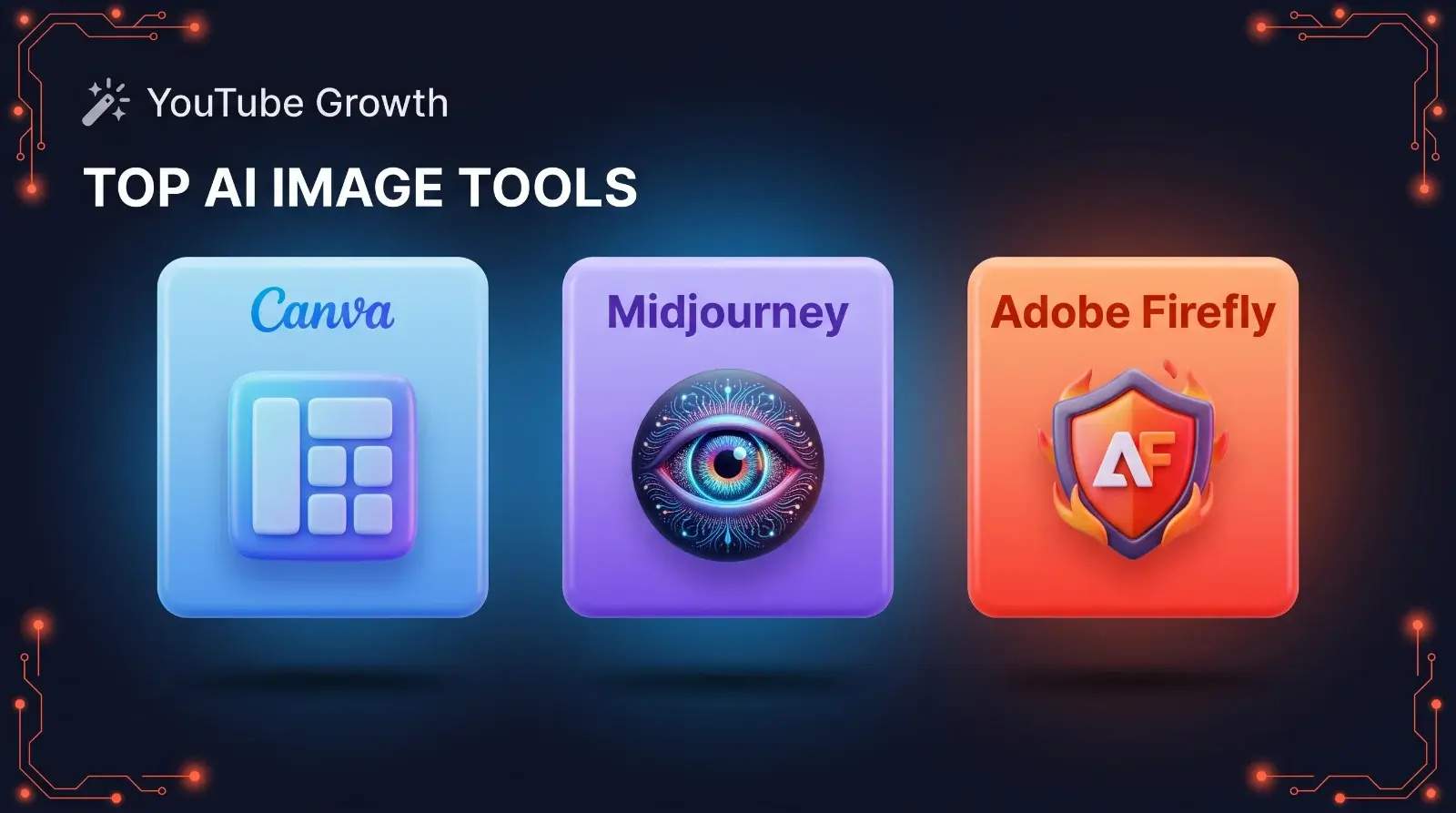
| Canva Magic Studio | Fast layouts and easy text addition. | Yes (Limited AI features) |
| Midjourney | Hyper-realistic, creative background art. | No |
| Adobe Firefly | Commercially safe generation and text effects. | Yes (Watermarked) |
Canva Magic Design: Best for All-in-One Text and Layouts
Canva remains the most practical starting point for the vast majority of video creators because it focuses on the final layout rather than just image synthesis. Canva, a web-based design platform, recently integrated its Magic Studio suite directly into the editor. This update allows you to magically erase backgrounds with a single click, expand images to fit a 16:9 canvas, and apply AI-suggested font pairings.
According to Canva's official pricing page at the time of writing, the platform offers a robust free tier, though the most powerful AI background removal tools require a paid Pro subscription. The real advantage here is speed. You can upload a raw photo of your face, remove the messy background instantly, drop in a vibrant color gradient, and add large, high-contrast text in under three minutes.
Read Next: Best Free AI Captioning Tools for Shorts
Midjourney: Best for Highly Creative, Custom Artwork
If you run a storytelling, history, or faceless channel where you do not need to feature your own photograph, Midjourney is the superior choice for generating base images. Midjourney operates primarily through Discord and specializes in generating highly detailed, hyper-realistic, or stylized art based on complex text prompts.
The platform requires a paid subscription starting at $10 per month, according to their official documentation at the time of writing. Midjourney is excellent at creating dramatic, high-contrast scenes that naturally catch a viewer's eye. However, it struggles significantly with generating accurate typography. Therefore, the standard workflow requires you to generate a striking image in Midjourney, save it, and then import it into a tool like Canva or Photoshop to add your title text.
Which one should you pick?
- If you need to put your own face on the thumbnail and add text quickly, choose Canva.
- If you run a faceless channel and need dramatic, custom illustration art, choose Midjourney.
Common Mistakes When Using AI for YouTube Thumbnails
Generative tools are powerful, but relying on them too heavily can actually harm your channel's performance if you ignore basic marketing principles.
- ✓ Ignoring the Mobile View: Over 70% of YouTube viewing happens on mobile devices. If your AI-generated image is too cluttered or the text is too small, it will become an unreadable blur on a smartphone screen. Always zoom out your design to 10% before exporting to check readability.
- ✓ Using Weird AI Text: Tools like Midjourney and DALL-E often generate images with garbled, alien-looking text in the background. You must actively prompt the AI to leave empty negative space so you can add real, readable text later.
- ✓ Forgetting Face Trust: Human faces drive clicks. If you run a personality-driven vlog, replacing your actual face with an AI-generated avatar will break trust with your returning subscribers.
Pro Tip: When prompting an image generator for a thumbnail background, always include the phrase "leave empty space on the left side for text" to ensure you have a clean area to place your hook.
The Bottom Line: Which Tool Should You Pick?
The best AI thumbnail generators for YouTube are actually meant to be used together rather than as single magic bullets. Choose Canva Magic Studio if you need a fast, all-in-one solution for removing backgrounds, arranging layouts, and adding high-contrast text to photos of yourself. Look toward Midjourney if your channel relies on highly creative, custom artwork to tell a visual story before the viewer even clicks. By understanding that AI is a tool to speed up your workflow rather than a replacement for good design logic, you can drastically improve your click-through rates without spending hours manually editing pixels.
Which AI tool are you currently using to design your video covers? Tell us about your workflow in the comments below.
FAQ
Q1: Can AI generate a full YouTube thumbnail automatically?
A1: While AI can generate an image based on a prompt, it cannot reliably generate a perfect, high-converting thumbnail with correct layout, sizing, and readable typography all in one click. Human editing is still required.
Q2: Is Canva Magic Studio free to use?
A2: Canva offers a robust free tier, but its most advanced AI features, like the Magic Eraser for one-click background removal and Magic Resize, require a paid Canva Pro subscription.
Q3: Do I need Photoshop if I use AI thumbnail generators?
A3: No, you do not need Photoshop. Tools like Canva are designed to replace complex desktop software for basic layouts, making them much faster for creators who do not have graphic design experience.
Q4: Can I use Midjourney images for commercial YouTube videos?
A4: Yes, according to Midjourney's current terms of service, users with a paid subscription own the assets they generate and can use them commercially, including monetized YouTube thumbnails.
Q5: Why does AI text look so weird in images?
A5: Most AI image models operate by predicting visual patterns rather than understanding language. While models are improving, they still struggle to render correctly spelled, stylized typography, which is why you should add text separately.
Comments (0)
No comments yet. Be the first!
Leave a Comment