
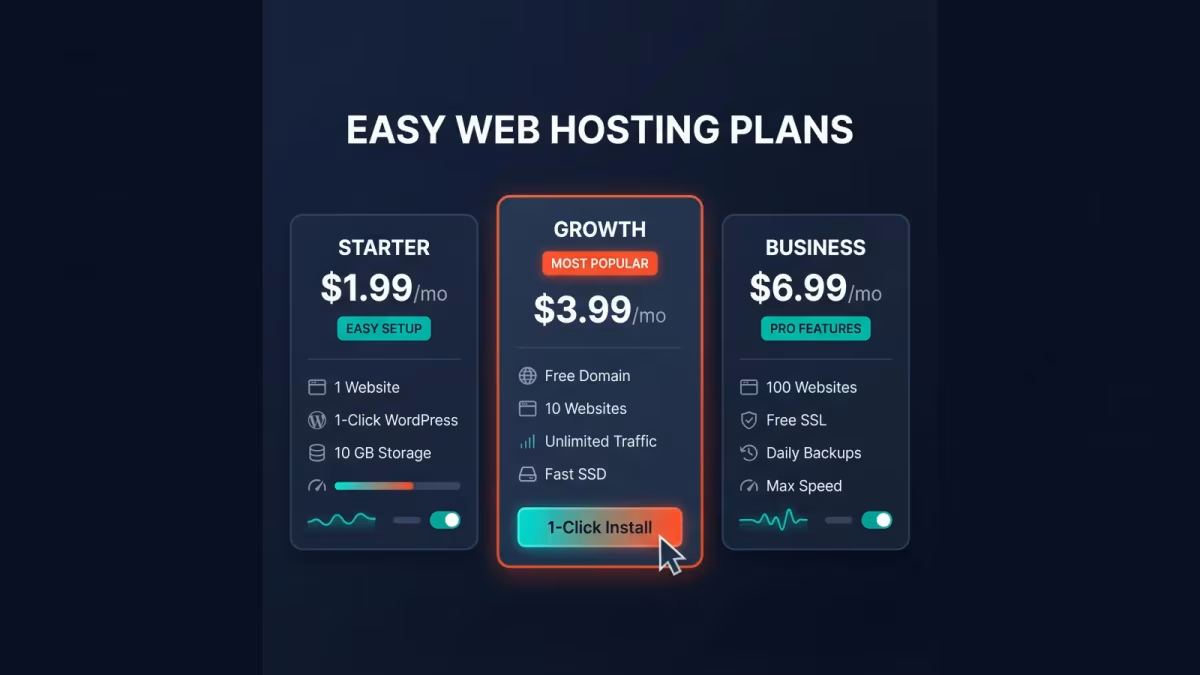
The biggest mistake beginners make is buying based on the front-page price alone. You see $2.99 a month, sign up, and a year later get hit with an auto-renewal bill for four times that amount. When you are just starting out, you don't just need cheap hosting—you need transparent pricing and an interface that doesn't require a computer science degree to use.
If you are looking for the best web hosting for beginners, the landscape has shifted significantly in 2026. Traditional cPanel hosts are being challenged by companies building custom, highly visual dashboards that make launching a site take minutes rather than hours.
Quick Answer
The best web hosting for beginners offers a clean control panel, automated WordPress installation, and transparent pricing without massive renewal spikes. Hostinger is our top pick for its beginner-friendly hPanel and excellent value, while SiteGround is best if you want hands-off security and premium support.
Key Takeaways
- The front-page price is only an introductory offer; you must check the renewal rate before buying.
- A custom control panel is often easier to learn than traditional cPanel.
- Look for hosts that include a free domain name and free SSL certificates for the first year.
- Customer support responsiveness is critical when you are just starting out.
Key Details
| Provider | Hostinger, Bluehost, SiteGround, IONOS |
|---|---|
| Starting Price | ~$1.99 - $3.99/mo (Introductory rates at the time of writing) |
| Renewal Price | ~$7.99 - $19.99/mo (Standard ongoing rates) |
| Free Domain / SSL | Yes (First year) / Yes (Included) |
| Money-Back Window | 30 Days |
| Best For | Beginners, First-time WordPress users, Small blogs |
| Official Site | Check respective provider sites |
What Beginners Actually Need from a Web Host
When you're building your first website, most of the technical specifications (like NVMe SSDs or LiteSpeed caching) don't matter as much as usability. What you actually need is a frictionless setup process.
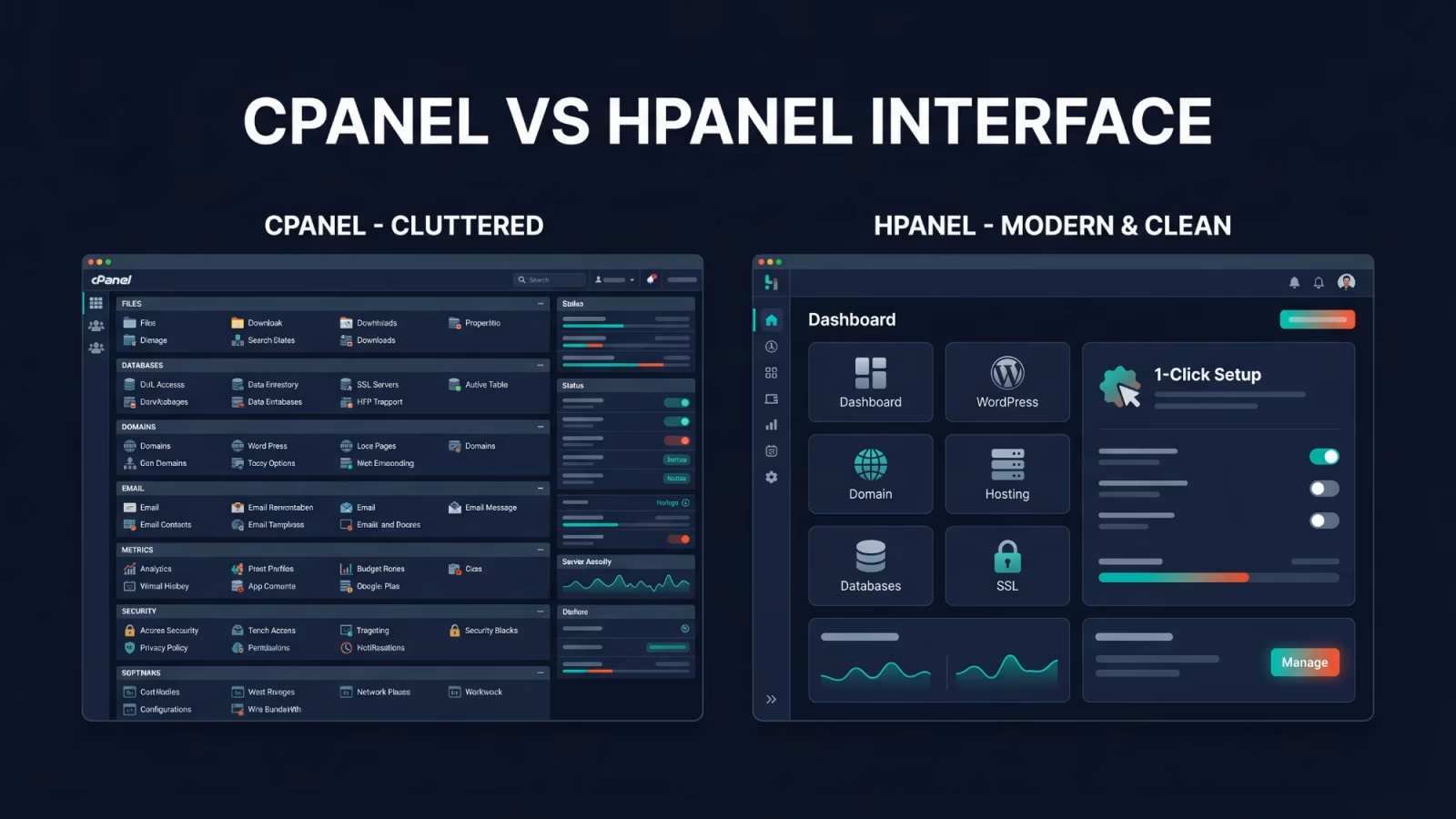
You want an automated WordPress installer that sets up the database for you. You need a free SSL certificate that activates itself so your site doesn't show a "Not Secure" warning. And critically, you need a modern control panel. While cPanel is the industry standard, it is cluttered and overwhelming. Custom dashboards built specifically for beginners are far superior.
Hostinger: Best Overall for Beginners
Hostinger has aggressively optimized its platform for first-time users. Instead of the standard cPanel, they use a proprietary dashboard called hPanel. It is visually clean, intuitive, and guides you through setting up WordPress, claiming your free domain, and activating your SSL in a step-by-step wizard.
Their pricing is also among the most aggressive in the industry. While they still use the introductory pricing model, their renewal rates remain reasonable compared to legacy competitors. For a beginner wanting an all-in-one package with a gentle learning curve, this is the current benchmark.
IONOS: The Cheapest Start (With a Catch)
If you have virtually zero budget right now, IONOS frequently offers introductory deals as low as $1 per month for the first year. For a beginner just wanting to practice building a site, it is the cheapest entry point available.
However, the interface is a bit more rigid, and their renewal prices jump significantly in year two. It's a great sandbox for learning, but perhaps not the best long-term home for a serious project unless you are prepared for the price hike.
SiteGround: Best for Hands-Off Security & Support
SiteGround is not the cheapest option, but it is the closest thing to "managed" hosting at a shared hosting price point. They proactively manage security at the server level, run automated daily backups, and their customer support is consistently rated among the fastest in the industry.
If you are the type of beginner who gets anxious about breaking things and wants to know a support agent will fix it quickly, the higher price premium of SiteGround is absolutely worth it.
Watch Out for The "Introductory Price" Trap
The web hosting industry runs on a very specific business model: acquire customers at a loss, and make the money back on renewals.
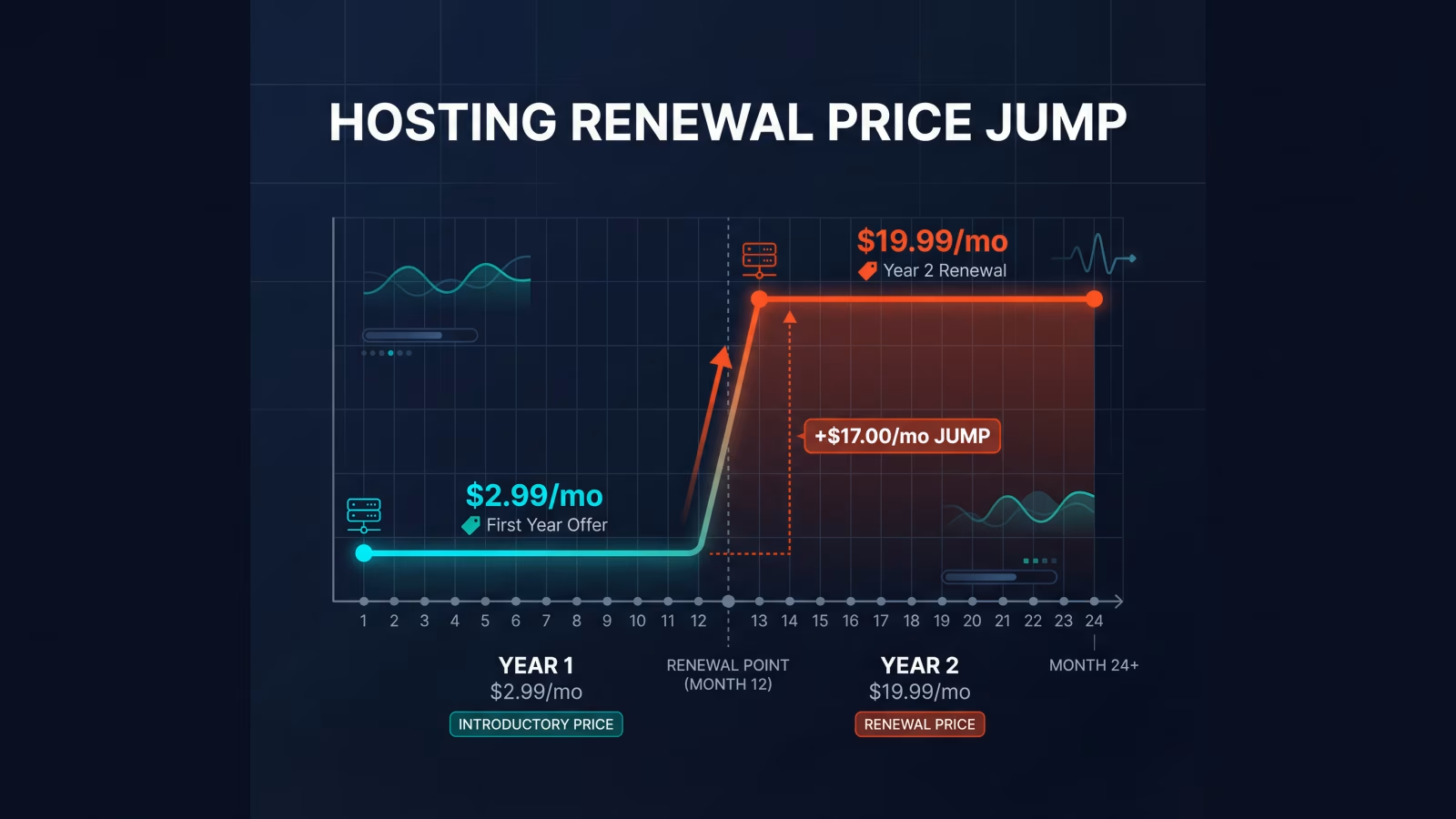
When you see a price like $2.95/mo, that is almost always tied to a 36-month or 48-month upfront commitment. If you choose to pay monthly, the price is usually much higher. More importantly, when that initial term ends, you will renew at the "regular" rate, which is often $14.99 to $19.99 a month. Always read the fine print to find the renewal price before you check out.
Free Domain vs. Free Hosting: What's the Difference?
Many beginner hosts offer a "Free Domain for the 1st Year." Your domain (like gotrendwave.com) is your address, while hosting is the land your website is built on.
A free domain is a great perk, but remember that you will have to pay the standard renewal fee (usually $15–$20) for that domain every year after the first. Never choose a bad web host just because they offer a free domain—the hosting quality matters far more. If you're comparing legacy options, you might also want to read our thoughts on HostGator.
So, Where Should You Start?
For 90% of beginners starting a blog or a small business site, a provider with a modern custom dashboard and an automated WordPress installer is the way to go. Focus on ease of use first, and don't lock yourself into a 4-year contract unless you are absolutely sure about the project.
Frequently Asked Questions
What is the easiest web host for a beginner?
Do I need to buy my domain and hosting together?
Can I switch web hosts later if I don't like them?
How We Researched This & Why Trust Us: We analyzed the standard industry pricing structures for Hostinger, SiteGround, IONOS, and traditional cPanel hosts, comparing both introductory rates and the actual renewal costs to identify the fairest deals for beginners.


Comments (0)
No comments yet. Be the first!
Leave a Comment