
If you write code or long-form content, you should be using Claude. If you analyze spreadsheets or need a hands-free voice assistant, you should use ChatGPT. If you need to search through hundreds of pages of PDFs, Gemini is your best bet.
When testing the top AI tools, the most common mistake people make is treating them as identical search engines. Comparing ChatGPT vs Claude vs Gemini reveals that each model has been fine-tuned for a completely different kind of professional workflow.
Quick Answer
If you want natural writing and coding, choose Claude. For everyday problem-solving, data analysis, and voice features, ChatGPT wins. For massive document research and Google Workspace integration, pick Gemini. When comparing ChatGPT vs Claude vs Gemini, there is no single winner; the best AI in 2026 depends entirely on your specific workflow.
Key Takeaways
- Claude 3.5 Sonnet dominates in software development and natural copywriting.
- ChatGPT remains the best all-rounder with superior voice and vision features.
- Gemini offers the largest context window for researching massive document folders.
- Paying for one premium AI is usually better than using three free versions.
Key Details
| Tool & Developer | ChatGPT (OpenAI), Claude (Anthropic), Gemini (Google) |
|---|---|
| Best For | ChatGPT for daily tasks, Claude for coding, Gemini for research |
| Free Plan | Yes (Available for all three with limits) |
| Starting Price | $20/month for premium tiers (Plus / Pro / Advanced) at the time of writing |
| Platforms | Web, iOS, Android |
| Standout Feature | Claude's Artifacts, ChatGPT's Advanced Voice, Gemini's 1M+ Context |
| Official Site | openai.com, anthropic.com, gemini.google.com |
ChatGPT: The Best All-Rounder and Data Analyst
OpenAI's ChatGPT (powered by models like GPT-4o) is the Swiss Army knife of artificial intelligence. If you only want to pay for one subscription and you do a little bit of everything, this is the safest choice.
ChatGPT excels at complex reasoning and data manipulation. You can upload massive Excel spreadsheets, and it will write the Python code necessary to clean the data and generate readable charts. Its Advanced Voice Mode remains unmatched, making it the only AI that truly feels like a conversational assistant you can talk to while driving or walking.
Pros:
- Incredible data analysis and chart generation.
- Unmatched real-time voice conversation capabilities.
- Deep integration with custom GPTs and third-party apps.
Cons:
- Creative writing often sounds robotic and requires heavy editing.
- UI can feel cluttered compared to newer competitors.
Claude: The Writer and Coder
Anthropic built Claude (specifically the 3.5 Sonnet model) to excel at nuance. Following Claude's latest updates, it has become the default tool for senior developers and professional writers.
Unlike ChatGPT, Claude does not default to cringeworthy buzzwords. It understands tone, pacing, and brand voice, making it exceptional for drafting emails, blog posts, and marketing copy.
Furthermore, Claude’s "Artifacts" UI is a massive advantage for developers. When you ask it to code a React component or an HTML widget, it renders a working preview of the app right next to the chat window, allowing you to test the code instantly.
Pros:
- The most human-sounding creative writing of the three.
- Artifacts UI is game-changing for front-end development.
- Consistently scores highest on independent coding benchmarks.
Cons:
- Lacks a native web search integration as robust as its rivals.
- Strict safety guardrails occasionally block harmless prompts.
Gemini: The Research Assistant
Google's Gemini (featuring the Advanced 1.5 Pro and 4 Argon models) operates on pure scale. Its standout feature is its massive context window.
While ChatGPT and Claude max out after a few heavy documents, Gemini can ingest thousands of pages of text, hours of audio, or hour-long video files in a single prompt. If you are a lawyer analyzing case files, or a student summarizing an entire semester of recorded lectures, Gemini processes volume better than anyone else.
Additionally, its native Gemini integration with Google Docs, Drive, and Gmail makes it incredibly convenient if you already live inside the Google ecosystem.
Pros:
- Massive context window for analyzing huge datasets and videos.
- Seamless integration with Google Workspace.
- Excellent at fetching real-time data from Google Search.
Cons:
- Sometimes struggles with complex, multi-step logical reasoning compared to ChatGPT.
- The interface and model naming conventions can be confusing for new users.
Side-by-Side Comparison of the Big Three
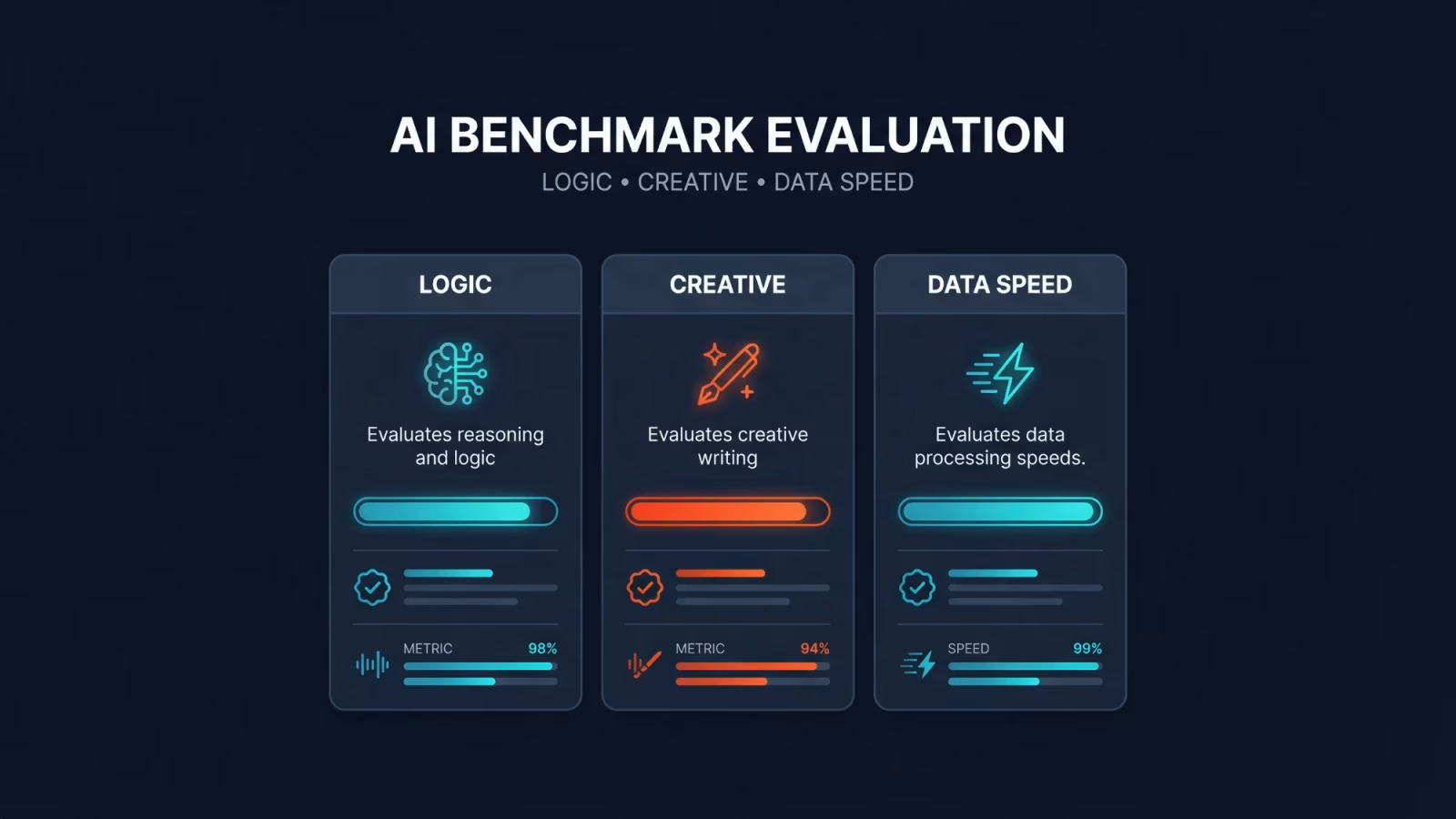
| Feature | ChatGPT (GPT-4o) | Claude (3.5 Sonnet) | Gemini (Advanced) |
|---|---|---|---|
| Creative Writing Tone | Robotic / Wordy | Natural / Nuanced | Casual / Direct |
| Coding Assistance | Good | Excellent (with Artifacts) | Average |
| Data Analysis | Excellent | Average | Good |
| Context Window | 128K tokens | 200K tokens | 1M to 2M tokens |
| Best Workflow | General productivity | Development & Copywriting | Deep research & Workspace |
Which AI fits your workflow?
- Pick ChatGPT: For data analysis, voice conversations, and general daily tasks.
- Pick Claude: For front-end development, UI coding, and human-sounding copywriting.
- Pick Gemini: For massive document research and deep Google Workspace integration.
The Final Verdict: Which AI Should You Pay For?
You do not need to pay $60 a month to subscribe to all three. Pick the one that solves your biggest daily bottleneck.
If you are a programmer, content creator, or copywriter, spend your $20 a month on Claude. If you are a marketer, data analyst, or want a reliable voice assistant, upgrade to ChatGPT Plus. If your job revolves around reading endless PDFs, watching long meetings, and managing Google Drive folders, Gemini Advanced is your winner.
Frequently Asked Questions
Which AI is best for coding?
Is Claude better than ChatGPT for writing?
What is the best free AI chatbot in 2026?
How We Researched This & Why Trust Us: We continually test the premium versions of ChatGPT, Claude, and Gemini across real-world workflows, analyzing their output quality in coding tasks, creative copywriting, and large dataset analysis. Token limits and features are verified through official documentation from OpenAI, Anthropic, and Google.
Comments (0)
No comments yet. Be the first!
Leave a Comment